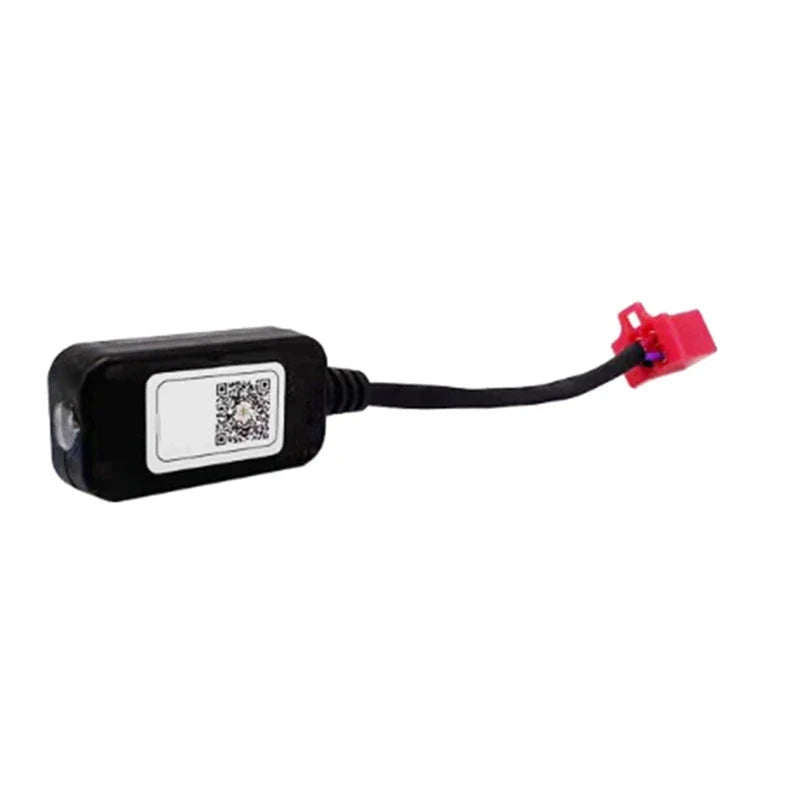
BLUETOOTH DONGLE
BLUETOOTH DONGLE
Couldn't load pickup availability
• Wirelessly tune your Emoto using the Fardriver mobile app
• Adjust throttle response, regen braking, speed modes, and controller limits
• Compatible only with Fardriver controllers
• Plugs directly into the white connector on the controller harness
• Powered automatically when the bike is turned on
• Works with iOS and Android devices
App Download
• iOS: Search Fardriver on the Apple App Store
• Android: Search Nanjing Fardriver on Google Play
Installation & Connection
• Locate the white connector on the controller harness
• Plug in the Bluetooth dongle (do not force)
• Enable Bluetooth on your phone
• Power on the bike
• Open the Fardriver app and search/connect to the controller
Tuning Features
• Throttle sensitivity and acceleration feel
• Regen braking strength
• Speed modes and limits
• Battery and motor protection settings
Motor Auto-Learn (Calibration)
• Lift the bike so the rear wheel spins freely
• Run Auto Learn / Motor Learn in the app
• Wait for confirmation before riding
Final Steps
• Save/write settings in the app
• Power cycle the bike
• Test in a safe area
⚠️ Note: Adjust settings carefully. Incorrect values may affect performance or cause damage.
Share